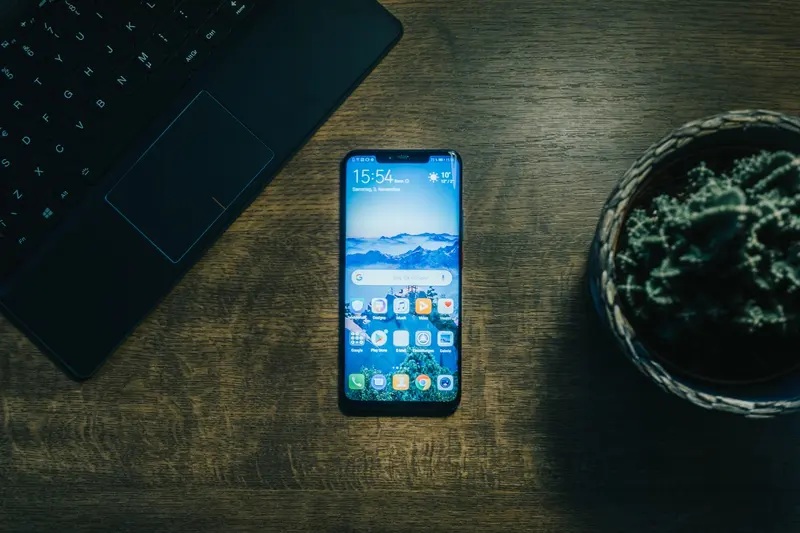
Supporting multiple screens is the most important issue to provide user-friendly apps to your users. So, if you want your users to continue to use your apps, you must serve them apps that have a nice seeming screen. Consequently, you have to familiar with supporting multiple screens terms and concepts. Terms and concepts
Screen size
Screen density
Orientation
Resolution
Density-independent pixel (dp)
Range of supported screens
Small
Normal
Large
Xlarge
You should learn these terms from Android developer website under “Device Capability” especially under this link “https://developer.android.com/training/multiscreen/screensizes” How to Support Multiple Screens
At first, you have to declare explicitly in the manifest which screen sizes your application supports
<supports-screens android_smallScreens="true" android_normalScreens="true" android_largeScreens="true" android_xlargeScreens="true" android_anyDensity="true" />
You have to provide different layouts for different screen sizes
res/layout/my_layout.xml //layout for normal screen size ("default") res/layout-small/my_layout.xml // layout for small screen size res/layout-large/my_layout.xml // layout for large screen size res/layout-xlarge/my_layout.xml // layout for extra large screen size res/layout-xlarge-land/my_layout.xml // layout for extra-large in landscape orientation
You have to provide different bitmap drawables for different screen densities
res/drawable-mdpi/my_icon.png // bitmap for medium density res/drawable-hdpi/my_icon.png // bitmap for high density res/drawable-xhdpi/my_icon.png // bitmap for extra high density
Use configuration qualifiers
Size
small, normal, large, xlarge
Density
ldpi, mdpi, hdpi, xhdpi, nodpi, tvdpi
Orientation
land, port
Aspect Ratio
Long, notlong
Design Alternative Layouts and Drawable
Best Practices To sum up;
Use wrap_content, match_parent, or dp units when specifying dimensions in an XML layout file
Do not use hard coded pixel values in your application code
Use sp for text size
Avoid hardcoding
Do not use AbsoluteLayout(it's deprecated) or ConstarintLayout
Use RelativeLayout or
Look for layouts which are suitable for your app
Supply alternative bitmap drawable for different screen densities
o res/drawable-mdpi/icon.png //for medium-density screenso res/drawable-hdpi/icon.png //for high-density screens Aytunç BAKIR, Computer Engineer Kaynak : https://developer.android.com